Create Your Ads Account and Your Campaign
September 3, 2007
How to Combine SEO with Your PPC Campaigns
October 1, 2007

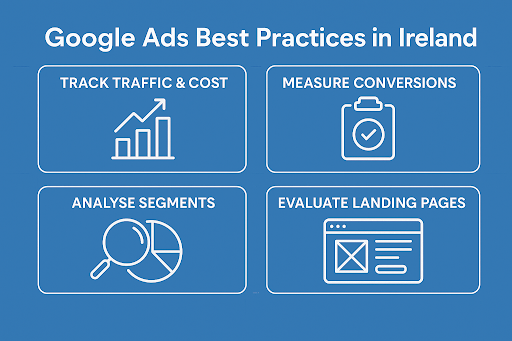
Track your keywordsProviding that your keywords fall below the 0.5% CTR for the first 1000 impressions, they will get disabled. That is the first reason you need to track your keywords performance and modify them regularly. Remember, change your words around, use new keyword matching options, try out different capitalisation and spelling variations, use singular or plural versions as well as different punctuation and grammar tenses…
You can decide if you want to receive daily, weekly or monthly Google Ads reports.
Google can also create your personalised report in only five minutes. Click on the tab “Report“ => “Create a report now”. You can create a report to track the performance of your keywords, text ad, image ad, URL, ad group, campaign and account.
In order to save money, you can delete the keywords that do not convert into sales from your list. It is also recommended that you “peel” those keywords that get low CTR and “stick” them to a new campaign or ad group with an ad specifically targetting them.
To finish, don’t be obsessed by getting the first position. The first position enables you to get more clicks, but not necessarily to get a high conversion sale. Why? Because clickers who aim at purchasing something will take time to look down the page. In contrast, users who just want to take a quick tour will click on the first ad.
Track your ad
Making tiny changes to your ad can have a strong impact on your CTR. Keep changing your ads around regularly. After few weeks, you will be able to detect your best performing keywords. Use them to rework on your ads. Your ad should include your best keywords. On the same way, if you detect bad keywords, delete them from your ad.
Google gives you a separate CTR and CPC for each ad so you can track their results separately:
Track your sales conversion
Google has a built-in “conversion tracking” tool that’s linked to AdWords. You put their code in the “success” page on your site and along with your CTR statistics, Google will give the percentage of visitors who opt in or buy in your weekly, monthly or daily report.